Name the problem before choosing a platform
Write down one recent operational difficulty without including private customer details. Was an estimate waiting for follow-up? Did the office and crew have different instructions? Was completed work still waiting to be invoiced? Identify who needs the missing information and when.
Map the tools you already use: paper, texts, spreadsheets, QuickBooks or another accounting tool, and the details only the owner remembers. Decide which record is authoritative today. A new system will not settle conflicting records unless the team agrees how to maintain them. Choose three must-have outcomes and separate them from conveniences.
Test the estimate and the approval together
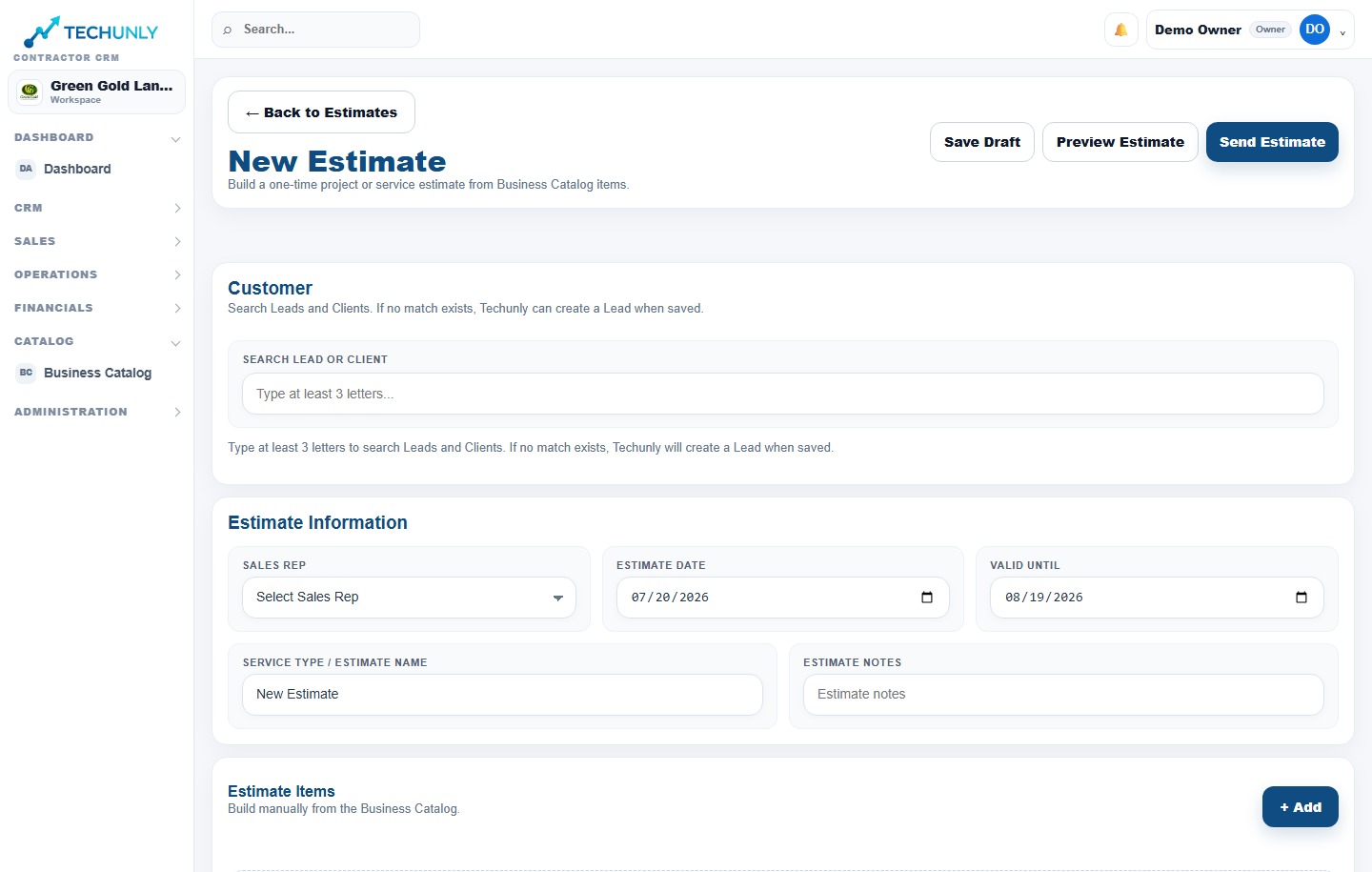
Use a sample property and a familiar service. Check whether the proposal clearly describes quantities, inclusions, exclusions and price. Then ask how acceptance is recorded and how someone identifies the approved version after a revision.
Follow that approved scope into the work assignment. If you must retype it, note who will check for mistakes. An attractive proposal is only part of the evaluation; the crew and billing team need the same agreement.
Try maintenance and a one-time project
Build two test scenarios: a recurring maintenance visit and a one-time project. For maintenance, ask how the schedule handles a skipped visit, a weather change or a service adjustment. Check whether rescheduling one visit changes later visits.
For the project, review how separate stages and additional work are handled. Confirm that the original scope stays distinguishable from a later request. Do not assume that a recurring appointment and a project use the same billing rules.
Walk through scheduling, dispatch and routes
Plan a realistic day with travel between properties and the people available to work. Change one assignment and check how the crew sees it. Ask what route information is included; a map alone does not establish that the system optimizes routes.
Have someone in the office explain how they would handle a delay after crews leave. The test is whether the current plan is clear to both sides, including who is responsible for updating it.
Let a crew member try the phone workflow
Ask a field user to find an assignment, read the instructions and report completion on a phone they actually use. Observe the steps without explaining every tap. Check text size, loading behavior and whether the next action is clear.
Ask the vendor what happens with weak or absent connectivity; do not assume offline access. Review which client information a crew member can see and whether access can be removed when someone leaves. A successful office demonstration is not a substitute for a field test.
Keep the customer separate from the property
Try one customer with two properties. Can the team find the correct service history, instructions and previous scope without confusing the locations? A contact list alone may not provide that context.
Decide what information needs to move from your current tools. Ask how to import it, how duplicates are reviewed and whether you can export your records later. Keep real customer information out of an early demonstration until you have reviewed access and data handling.
Follow the invoice beyond sending it
Using a sample job, review how completed work becomes an invoice and how the office distinguishes sent, unpaid and paid amounts. Ask who owns follow-up and how a partial payment or correction is represented.
If you keep an accounting tool, ask exactly what transfers between systems, in which direction and who resolves discrepancies. Do not infer an integration from a logo or the ability to download a file. Test the handoff you will actually use before changing your bookkeeping routine.
Evaluate English and Spanish as workflows
Ask an owner or office user and a crew member to work in their preferred languages. Review navigation, job details and the messages a customer would receive. An English-speaking customer may need different communication from a Spanish-speaking crew.
Ask which parts of the product and support are available in each language. Distinguish translated navigation from text your team writes. Do not assume that the system automatically translates service descriptions, proposals or customer messages.
Budget attention for setup and adoption
List the work needed before the first live day: cleaning records, preparing services, setting access, reviewing billing settings and explaining the new routine. Assign an owner to each task. Ask which setup help is included and what costs extra.
Start your evaluation with a small sample and include the people who will maintain the records. Write down where they get stuck. If a task only works when the owner explains it repeatedly, plan the training or reconsider whether the workflow fits.
Read the price and the trial conditions
Compare the total cost for your actual team: base subscription, user charges, setup, add-ons and payment-processing fees. Confirm the billing interval, renewal terms and what happens to your data if you cancel.
Before starting a trial, check whether billing details are required, when charges begin and how cancellation works. Put the decision date on your calendar. A trial is useful when you have time to run your scenarios, not simply when you activate an account.
Ask concrete questions about access and payments
Ask the vendor to explain account permissions, authentication options, backups, data export and its process for handling a security concern. Request documentation rather than treating a reassuring badge as evidence. Verify the controls your company requires during the evaluation.
For payments, establish who processes card information, where customers enter it, which fees apply and who handles refunds or disputes. Keep subscription billing separate from the payment service used for your customers. Use a documented test flow rather than a real card charge to learn the process. These are questions to ask every vendor, not claims about Techunly’s controls.
Use this evaluation checklist
For each item, record “works,” “needs a workaround,” or “not verified,” plus the person who tested it. Do not count an unanswered question as a pass.
- An estimate revision leaves the approved scope identifiable.
- A recurring visit can be changed without losing the intended schedule.
- A one-time project keeps additional work separate from the original scope.
- Office and crew can find the current assignment and property details.
- A crew member can complete the mobile workflow without constant help.
- Customer records and property history stay distinguishable.
- The office can explain an unpaid balance and its next follow-up.
- English and Spanish users can complete their real tasks.
- Setup responsibilities, total price and cancellation terms are clear.
- Required access controls, payment handling and data export are verified.
Choose based on the work you verified
Compare your three must-have outcomes with the test notes. A product may fit your estimates but require a workaround for maintenance, or work well in the office but confuse field users. Decide which compromises your team can maintain before committing.
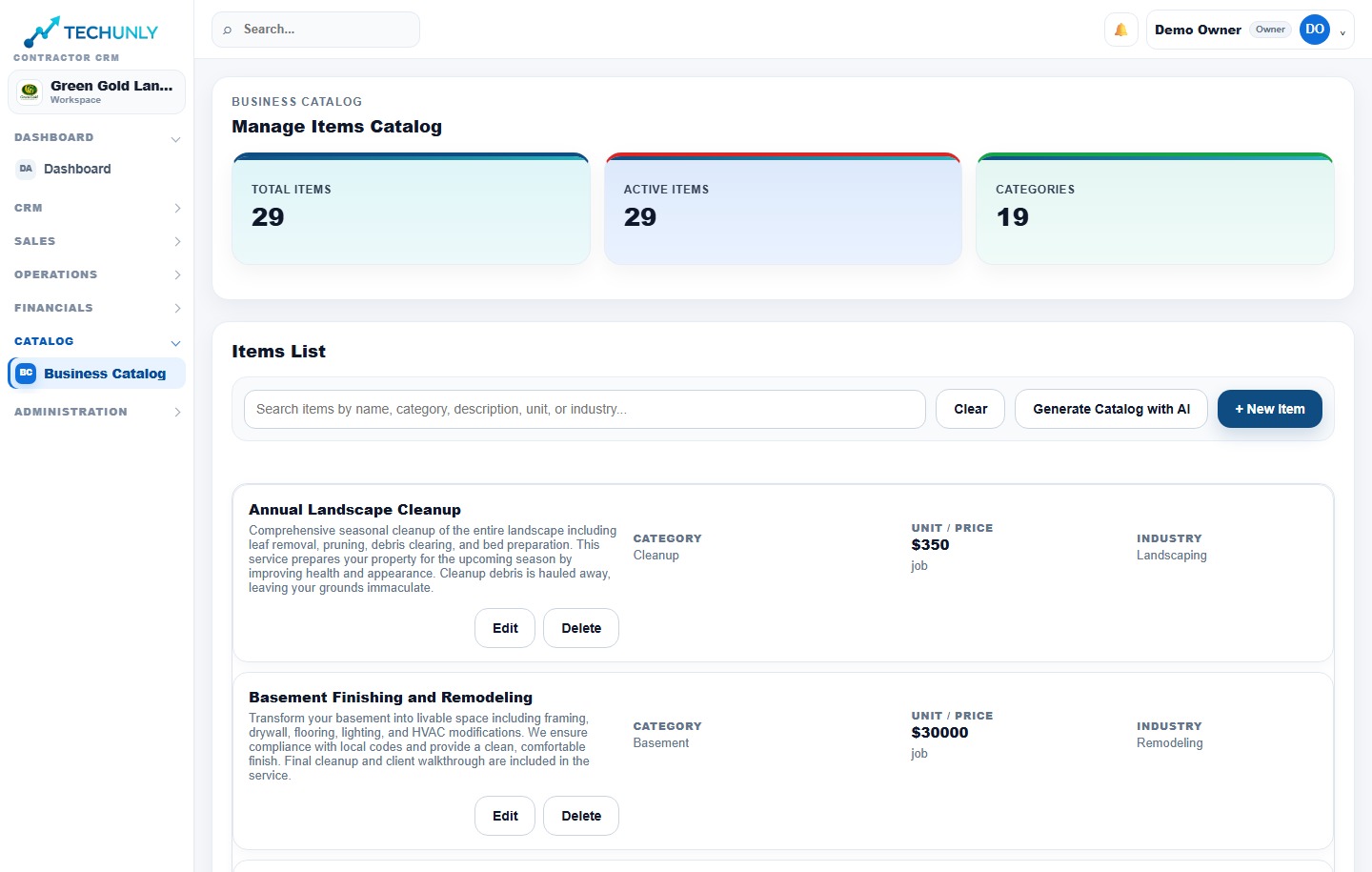
Techunly is one option for small and growing landscaping businesses working in English and Spanish. Review its documented workflows and trial conditions with the same checklist. If your essential requirements remain unverified, ask questions or keep evaluating; you do not need to buy simply because a trial is ending.